Download Y Communicator


Available now on iOS and Android. No account required — just install and start messaging privately.
Available now on iOS and Android. No account required — just install and start messaging privately.
Sessions and chat views from the iOS and Android builds.
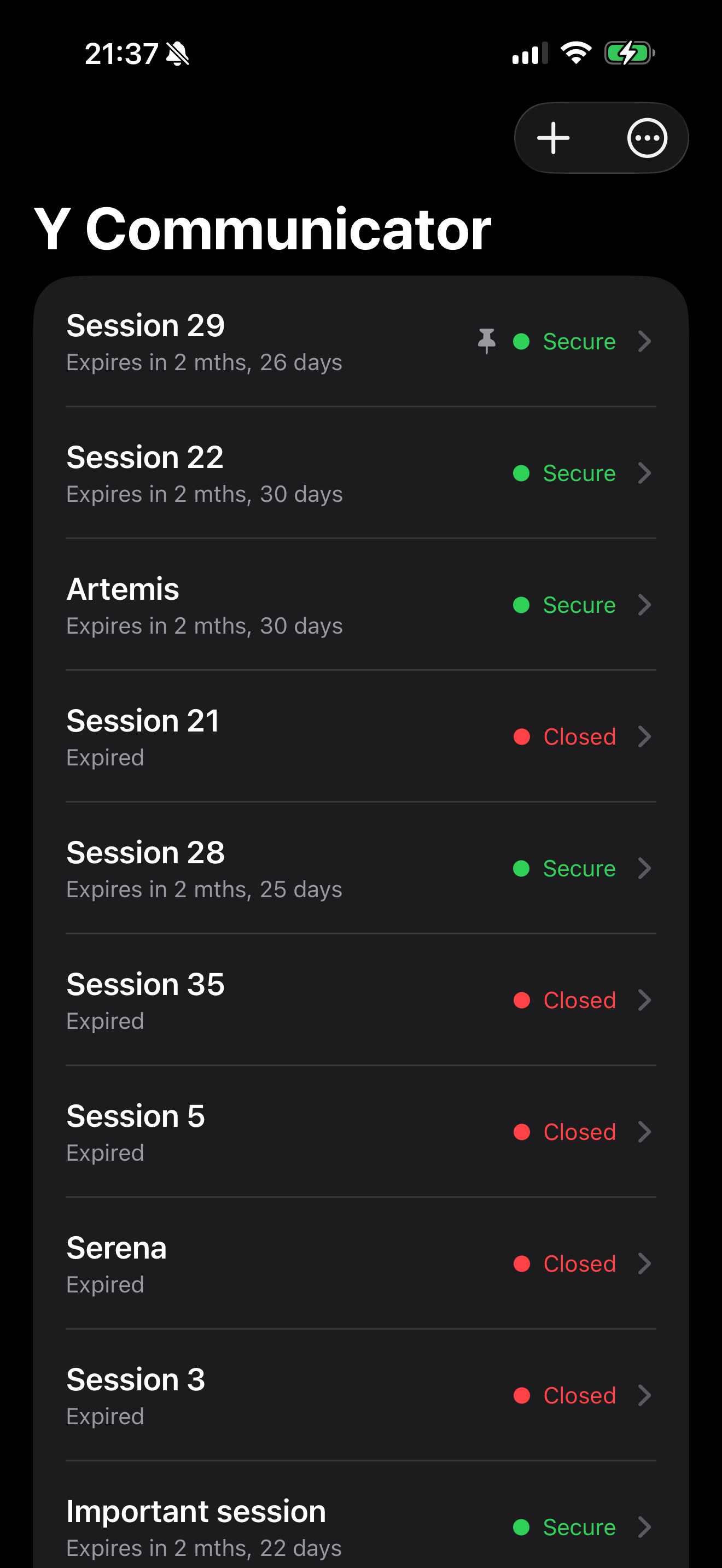
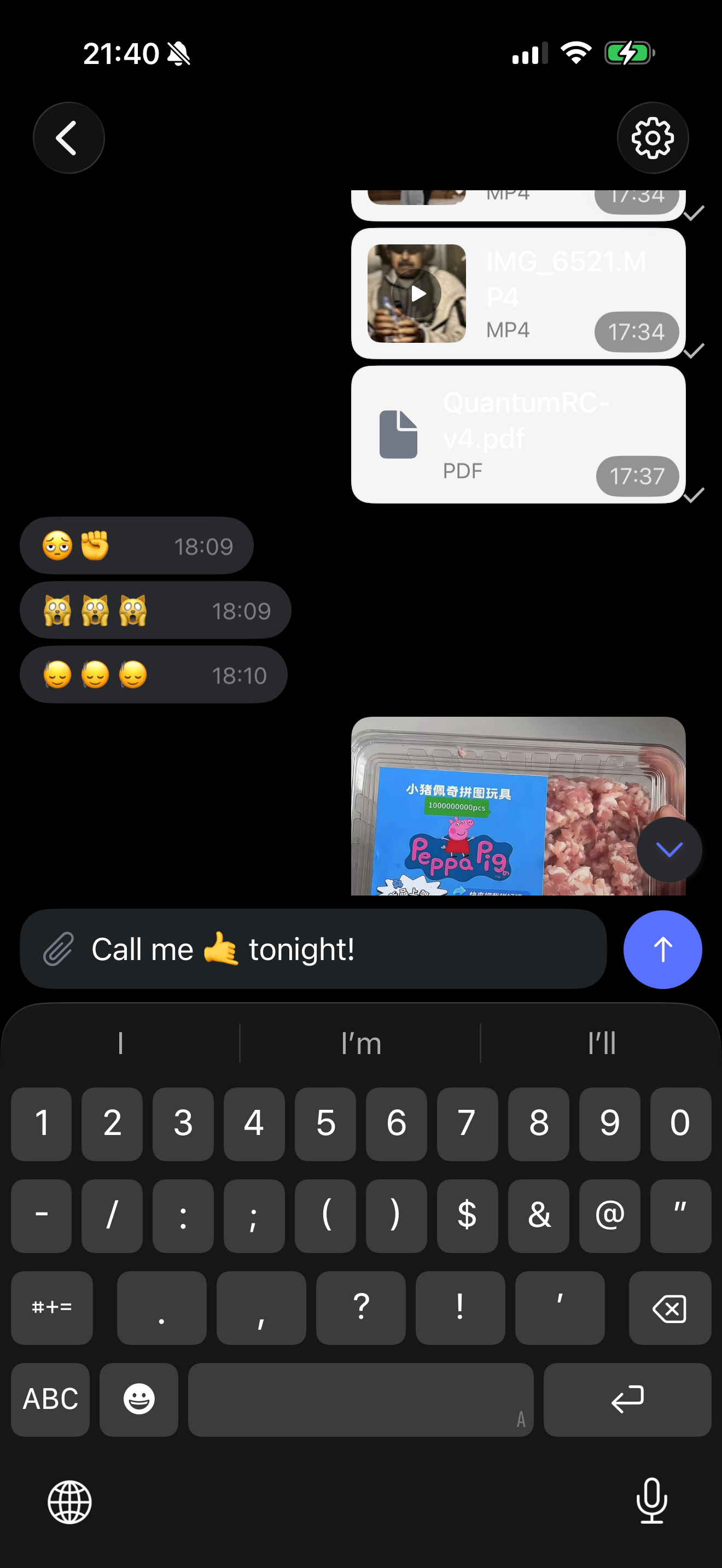
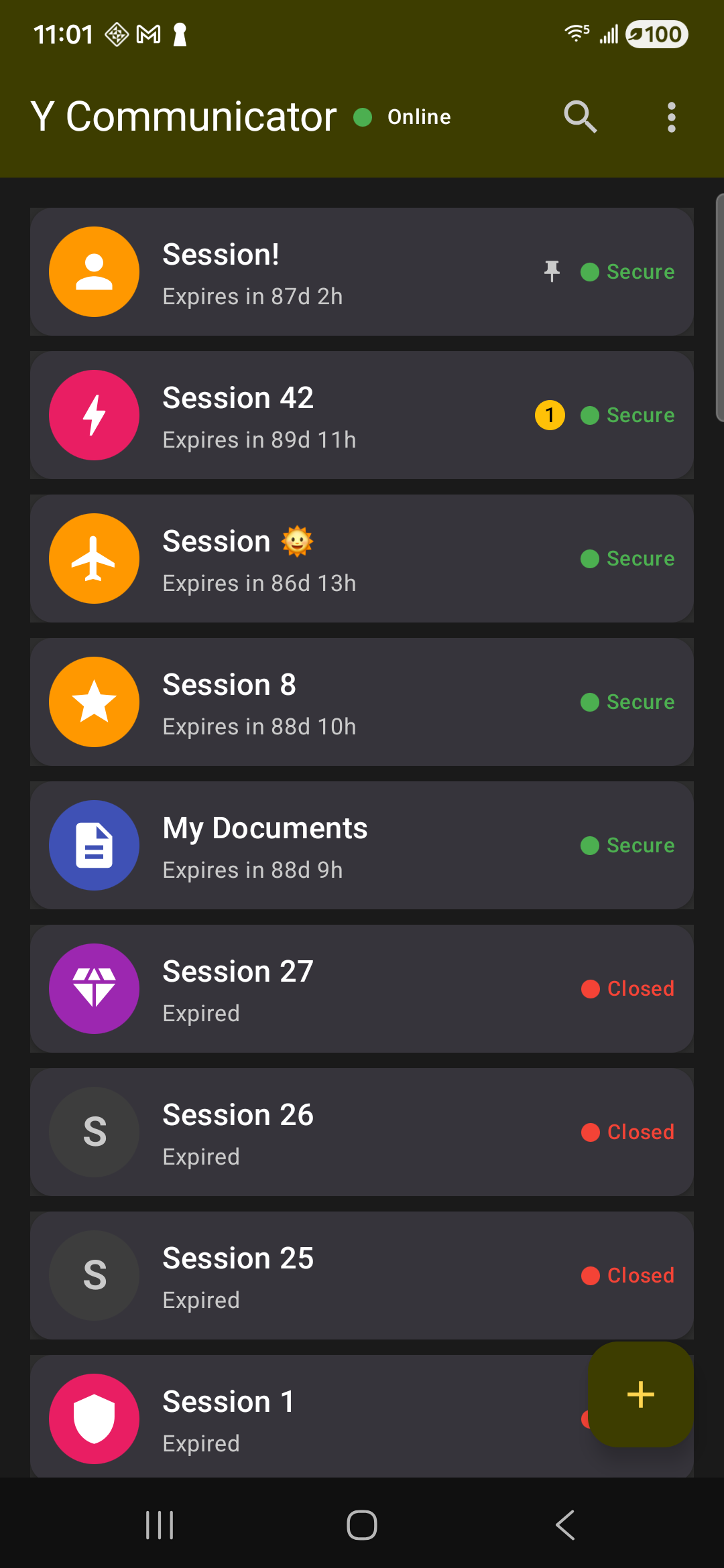
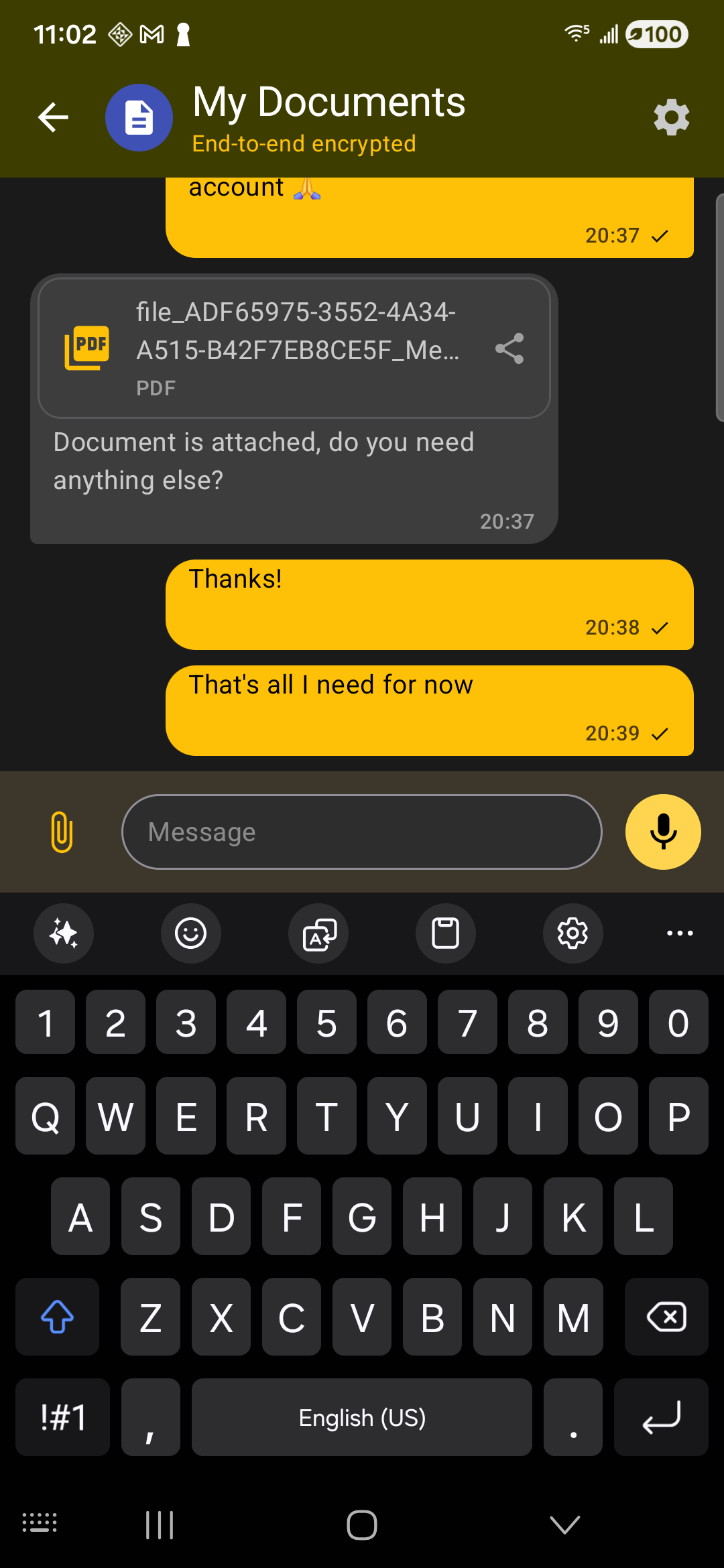
iOS and Android are available now. Desktop versions are in development.
No phone number, email address, or account registration is required on any platform.
Version 1.0.31 (Build 260316)
Available on the App Store. Post-quantum encrypted messaging — no account or personal information required.
Version 1.0.31 (Build 88)
Available via Google Play.
Both iOS and Android builds are distributed through official platform channels (Apple App Store and Google Play), ensuring that all downloads are verified and signed. This guarantees the app hasn't been tampered with.
We're working on desktop versions of Y Communicator. Check back here for updates.
Coming Soon
Coming Soon
Coming Soon
No. Y Communicator does not require a phone number, email address, username, or any personal information. Simply download the app and let it create the device-held keys needed for encrypted sessions. Nothing is registered with us.
You connect by scanning the other person’s QR code in person, or by sharing a one-time session link. This out-of-band step establishes trust between your two devices without involving any server. Once connected, messages flow end-to-end encrypted between devices.
Y Communicator offers two tiers: Free — includes up to 5 concurrent sessions and 1 MB file attachments. Pro Subscription — unlimited sessions and 10 MB file attachments. Both tiers include the same end-to-end post-quantum encryption with no ads.
Relay servers see anonymous cryptographic addresses (random hash strings), encrypted message blobs they cannot read, and basic timing data. They do not see your name, phone number, email address, contacts, message content, or any personal profile. There is no account on the server side.
Relay nodes store messages temporarily in RAM — not on disk. When a message is delivered to the recipient, it is deleted from the node immediately. Undelivered messages expire automatically (maximum 2 hours). There is no persistent server-side message archive.
No. Y Communicator does not back up messages to any cloud service. All messages are stored locally on your device, encrypted by your device’s operating system. Only you can read them.
Since encryption keys exist only on your device, losing it means losing access to your message history. This is intentional — there is no cloud backup for attackers to target. Your contacts will notice communication anomalies (heartbeat failures, sequence breaks) if someone tries to use your keys from another device.
Currently, Y Communicator is designed for single-device use to maintain maximum security. Your encryption keys are stored only on your device. Multi-device support is planned for future releases.
Adversaries can record encrypted traffic today and decrypt it later when quantum computers become available (“harvest now, decrypt later”). By using NIST-approved post-quantum algorithms now, Y Communicator protects conversation history against future quantum attacks — not just present-day threats.
Y Communicator requires minimal permissions: camera (for QR codes), microphone (for voice messages), push notifications (for message alerts), and network access. It does not access your contacts, location, or any other personal data. If notifications are enabled, the push text is generic - "You got a message" - and never includes message content.
The App Store and Google Play will notify you of updates automatically. You can also enable automatic updates in your device settings.
Email our support team at support@y-communications.com. Your input helps us improve Y Communicator for everyone.
Our support team is here to help you get started with Y Communicator.
Contact Support